You write a short document, hit save, and somehow it's 30 MB — too big to email. It feels absurd. The words are barely a kilobyte. So where does all that weight come from, and how does a compressor make it vanish without wrecking the file? Let's demystify it.
The text isn't the problem — the pictures are
Plain text is astonishingly small. An entire novel is only a couple of megabytes as raw text. What actually inflates documents is everything around the text:
- High-resolution images — a single phone photo can be larger than a 200-page text file.
- Embedded fonts — bundled so the document looks right everywhere.
- Scanned pages — every page is a full photo, not text.
- Leftover data — old edits, hidden layers, thumbnails and metadata.
9 times out of 10, a bloated PDF is bloated because of images — often scanned at a far higher resolution than a screen or printer will ever use.
Compression, in plain English
Compression is just removing redundancy. Imagine a photo with a big blue sky — thousands of nearly identical blue pixels. Instead of storing each one, compression can say "5,000 pixels of this blue," which takes a fraction of the space. Do that across a whole file and it shrinks dramatically.
Lossless vs. lossy: the key distinction
| Lossless | Lossy | |
|---|---|---|
| What it does | Packs data with zero quality change | Discards detail you're unlikely to notice |
| Reverses perfectly? | Yes | No |
| Best for | Text, code, line art | Photos, scans, screenshots |
| Typical saving | Modest | Large |
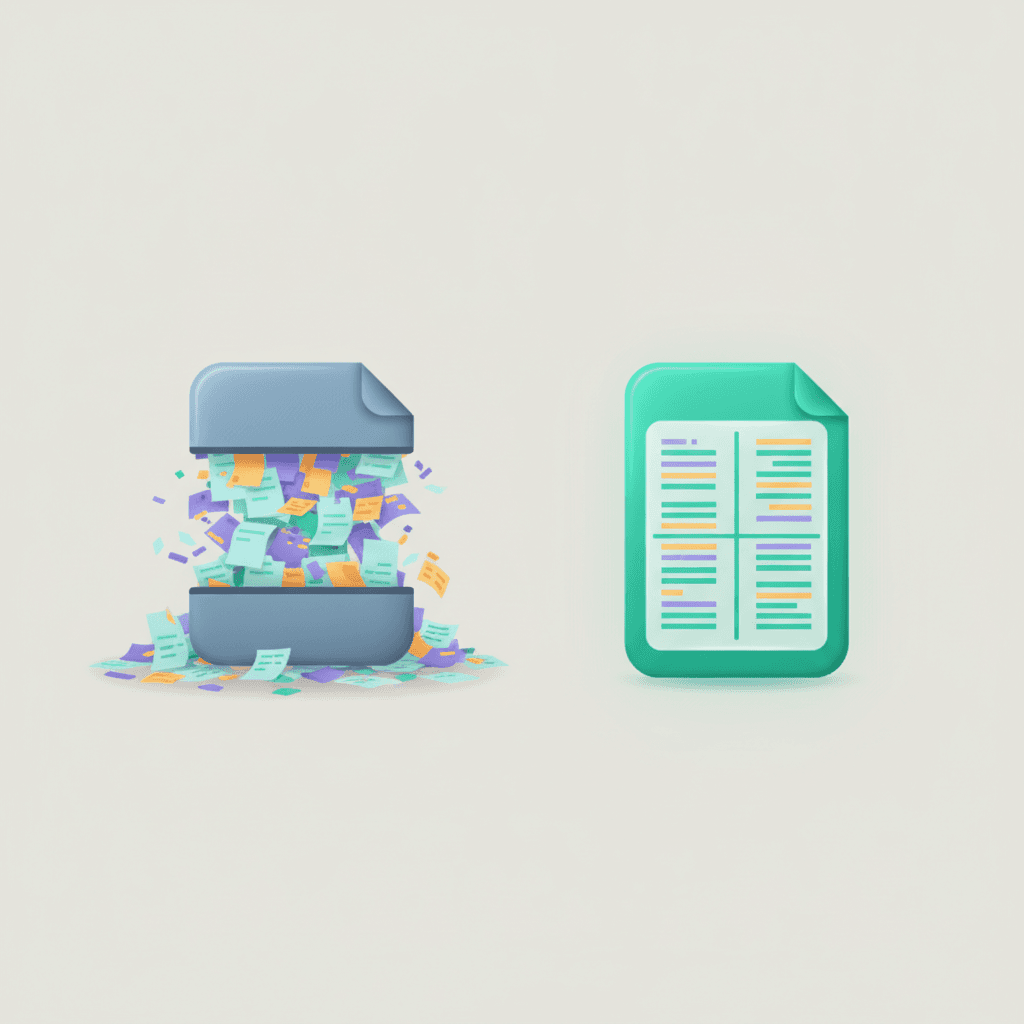
Lossless compression is like vacuum-packing a suitcase — everything comes back exactly as it went in. Lossy compression is like leaving a couple of things behind to fit the case shut; you lose a little, but you may never notice, and the space saving is huge. Most document shrinking uses a smart mix of both.
Try Compress PDF — free
Make PDFs smaller — keep text selectable with Deep mode.
How to shrink files without regret
- 1
Right-size your images first
A picture doesn't need to be 6000 pixels wide to look sharp on a page. Scaling images to a sensible resolution is the single biggest win.
- 2
Choose the right mode
For text documents, favour approaches that keep text selectable. For scans and photo-heavy files, a little lossy compression goes a long way.
- 3
Keep an original
Compress a copy, not your master. Then you can always go back if you pushed the quality too far.
You can usually cut a document's size by more than half before anyone can see a difference. Compress, then eyeball the result — if it still looks great, you're done.