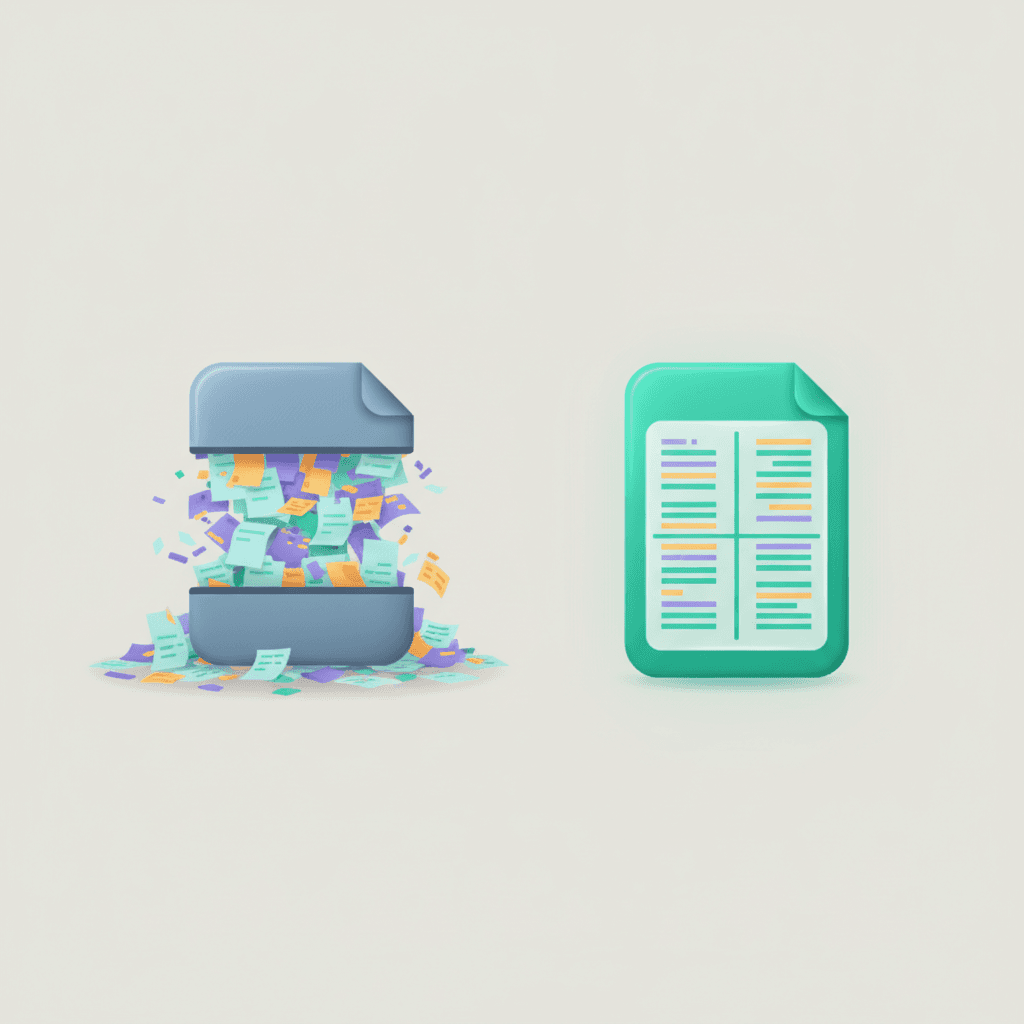
Here's a puzzle. You scan a printed page and save it as a PDF. It looks full of text — but try to select a word or search for a name and nothing happens. Why? Because to the computer, your scan isn't text at all. It's a photograph of text: a grid of coloured dots. OCR is how we turn those dots back into words.
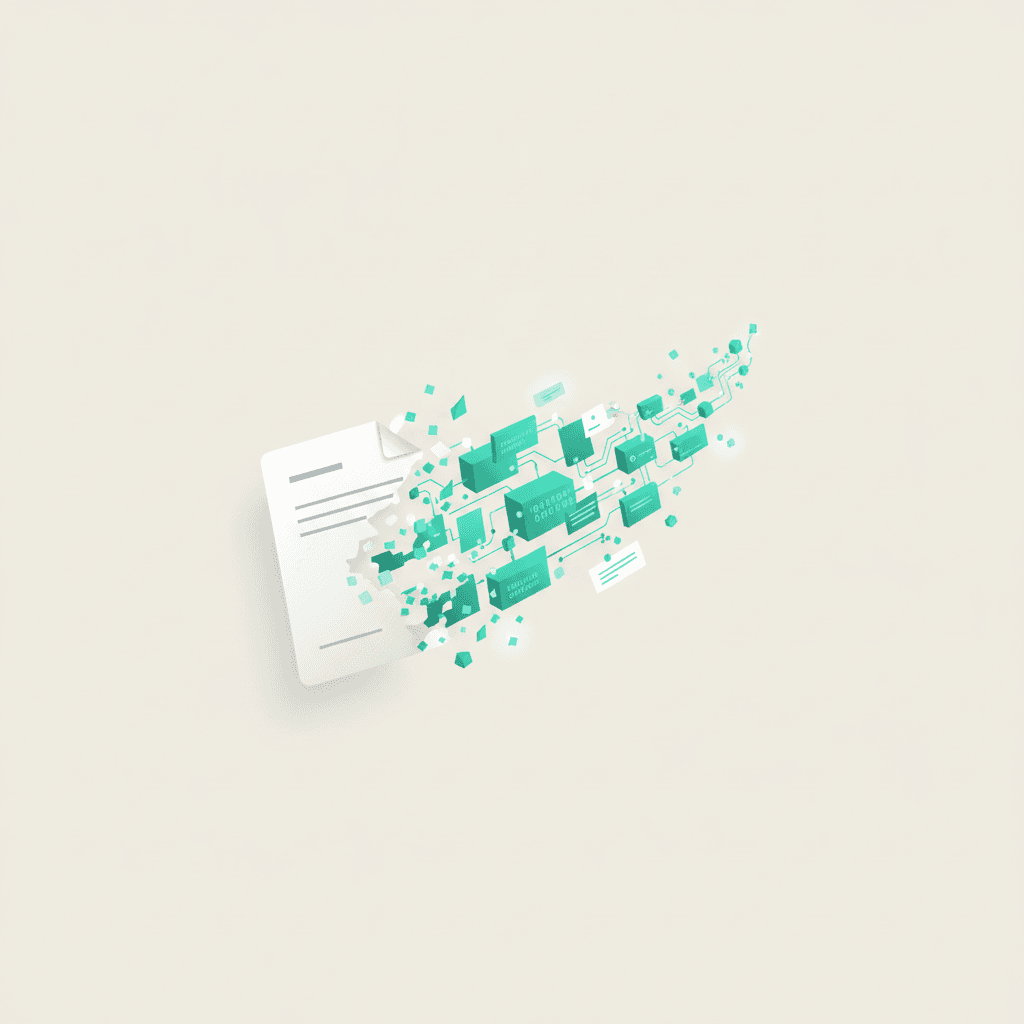
OCR (Optical Character Recognition) reads the shapes in an image and figures out which letters and words they represent — so a picture of a page becomes real, searchable text.
Image text vs. real text
Every digital document is one of two things. Real text is stored as characters the computer understands — you can select, copy, search and resize it. Image text is just pixels arranged to look like letters; the meaning is invisible to software. A scan, a photo of a receipt, or a screenshot are all image text.
How OCR actually works
- 1
Clean up the image
Straighten, sharpen and increase contrast so the letters stand out from the background.
- 2
Find the characters
Detect where individual letters and words sit on the page, line by line.
- 3
Recognise each shape
Match each shape to the most likely letter — modern OCR uses machine learning trained on millions of characters and fonts.
- 4
Rebuild the text
Assemble the letters into words and lines, often using a dictionary to fix likely mistakes ("rn" vs "m").
Why it matters
- Search — find any word across thousands of scanned pages instantly.
- Editing — pull the text into Word instead of retyping it.
- Accessibility — screen readers can finally read the document aloud.
- Archiving — searchable PDFs make digital record-keeping actually usable.
Try Extract text (OCR) — free
Pull the text out of an image — free on your device, or AI mode for messy scans, handwriting & Arabic.
Where OCR still struggles
OCR is excellent but not magic. Handwriting, low-resolution scans, unusual fonts, heavy background patterns and skewed photos all lower accuracy. The single biggest thing you can do to improve results is start with a clean, high-contrast, straight scan — good input beats clever software every time.
Even 99% accuracy means roughly one error every few lines. For anything important — names, numbers, legal text — check the OCR output against the original.